

Updating your user email address

Last updated: Feb 12, 2025
508
views

In order to update the email address for your user, you will need to log into the account with the current email address and update the 'Work email' found in the Profile settings option, found in the below screenshot:
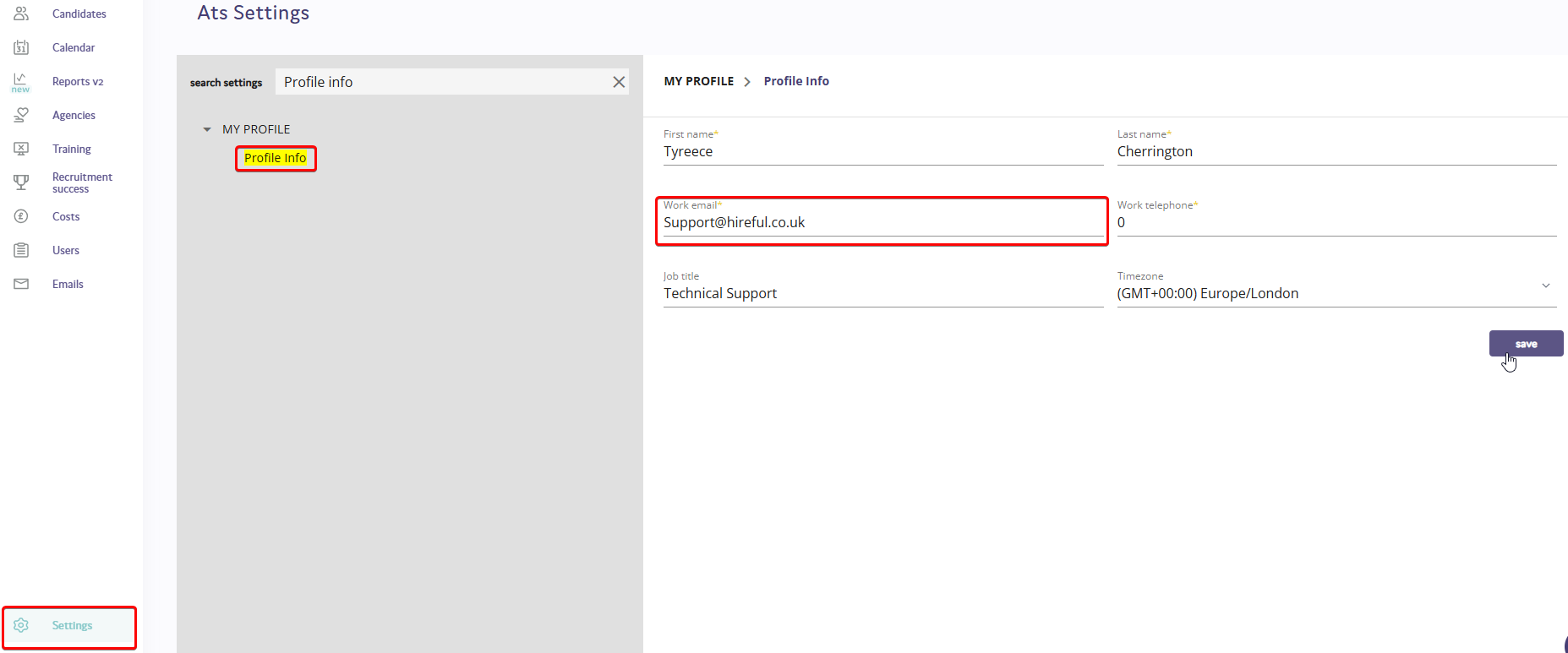
Once this has been updated and then saved, this will be the user email address required to log into your account going forward!

