

Deleting an Applicant

Last updated: Dec 10, 2024
489
views

There may be occasions where an applicant needs to be deleted from a role. To do this within the system:
First find the applicant that needs to be deleted from the role and check the box next to their name.
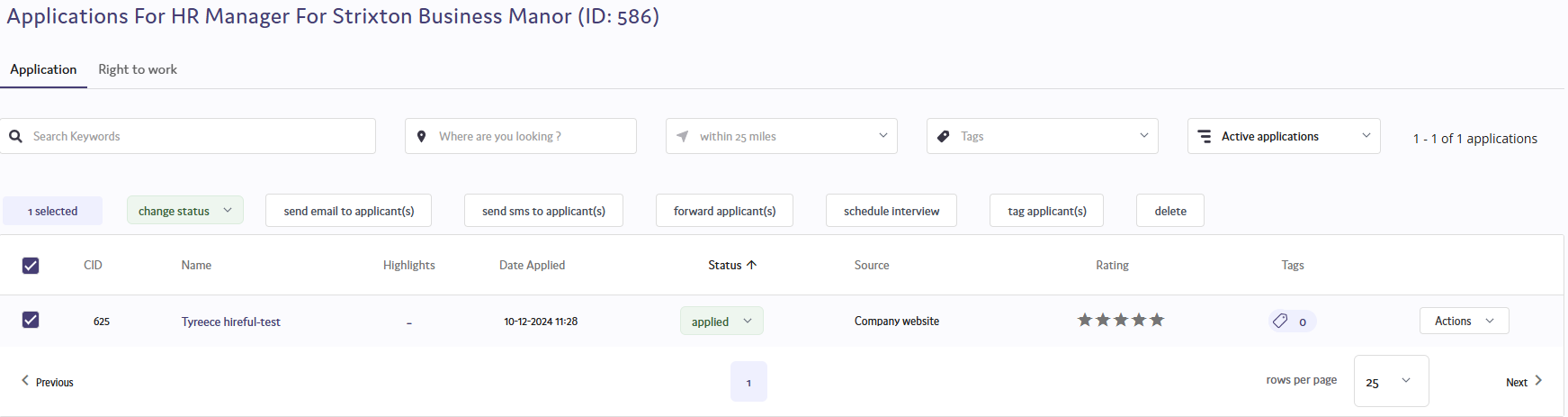
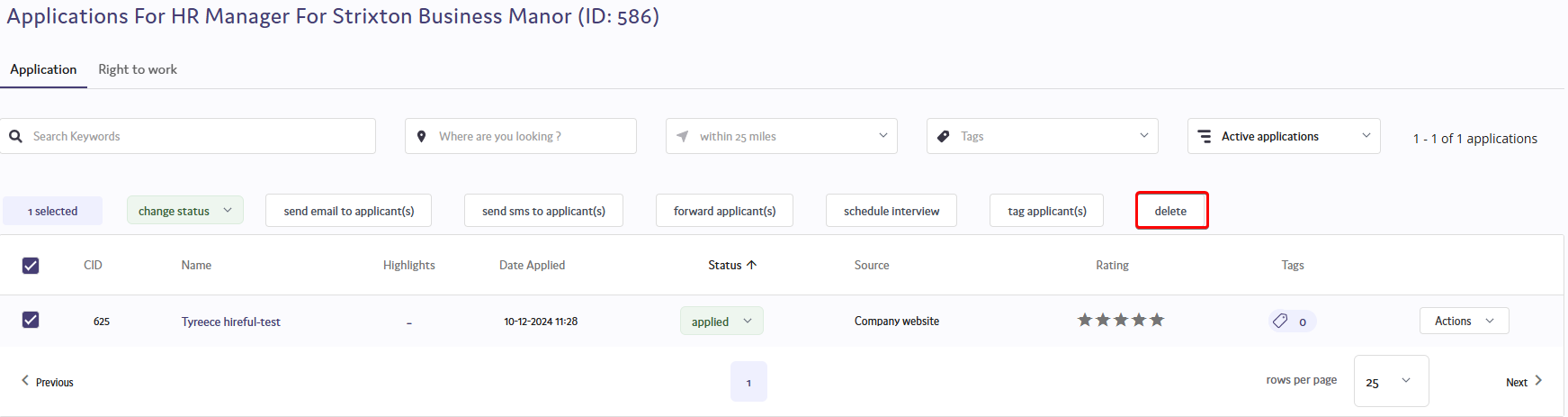
From the options that appear above the applicant list, select delete.
You will then be prompted to confirm that you wish to delete the applicant. If you do, click delete and the applicant will be deleted from the role.


