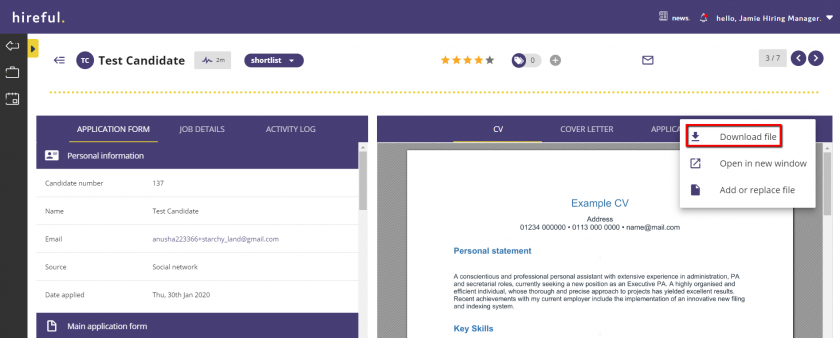
Downloading CVs / Application Forms

Last updated: Jun 27, 2024
798
views

The ATS allows you to download an applicant's CV and / or application form (to view how to change being viewing CVs and application forms in the applicant viewer, please visit "The Applicant Viewer" article).
To download either a CV or application form from the ATS, have the required document showing in the viewer.
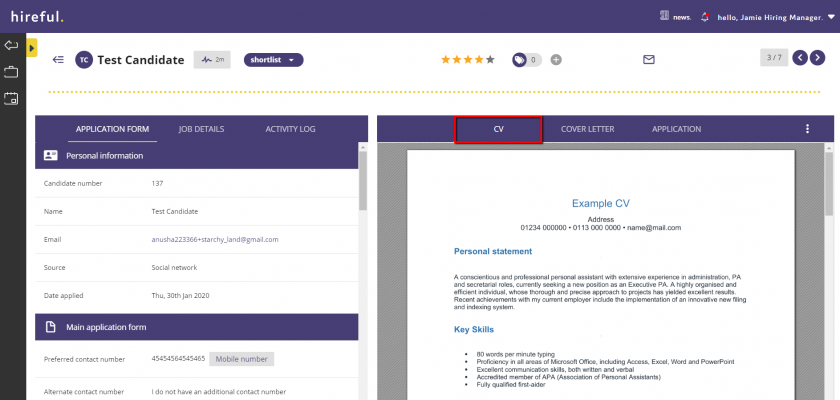
With the required document showing, click on the 3 white dots and then select Download file.