Adding/Editing Department List

Last updated: Jun 30, 2022
484
views

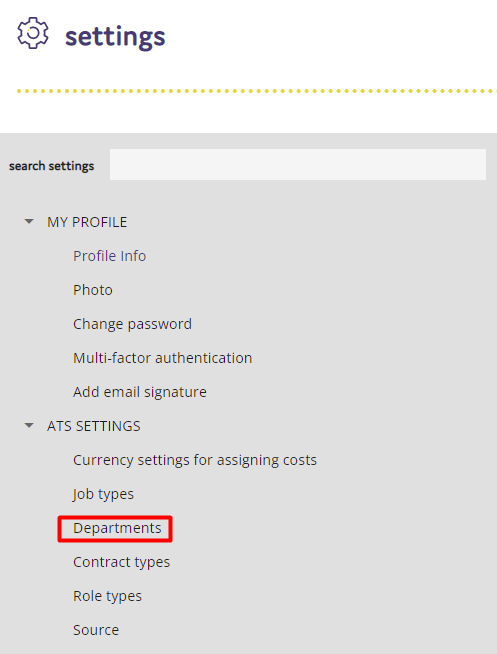
Adding or editing your department dropdown list is a quick and easy process. From within the ATS Settings section, click on Departments.
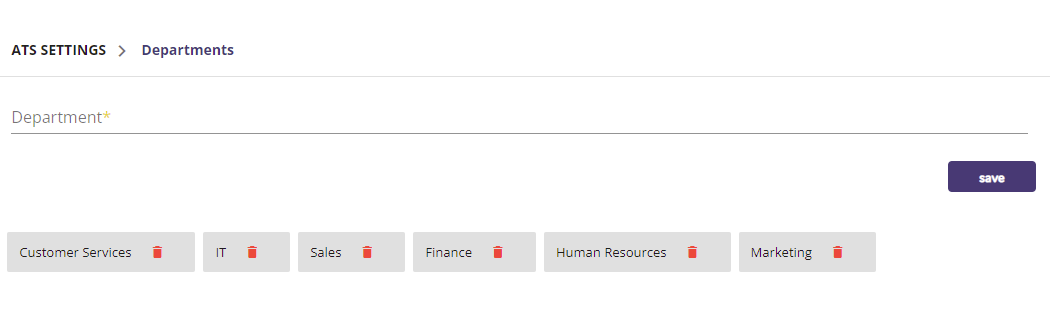
You will then be presented with a list of your current departments.
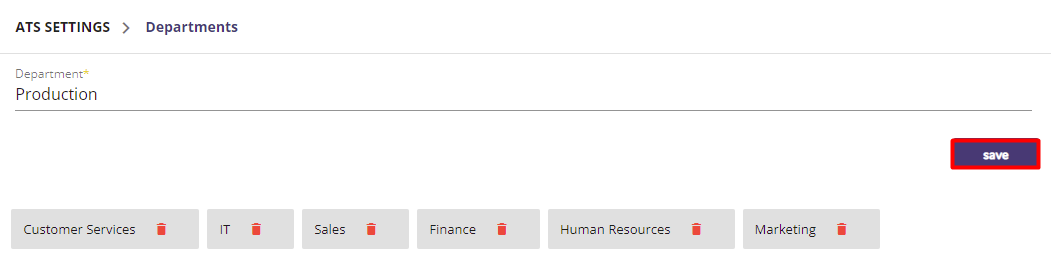
To add a new department, type the name of the department you wish to add, and then click Save.
To edit a department name, click on the current department name and then update the name.
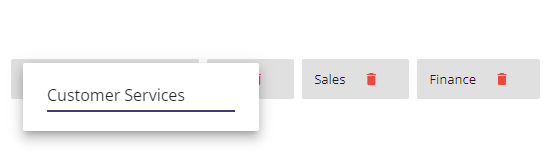
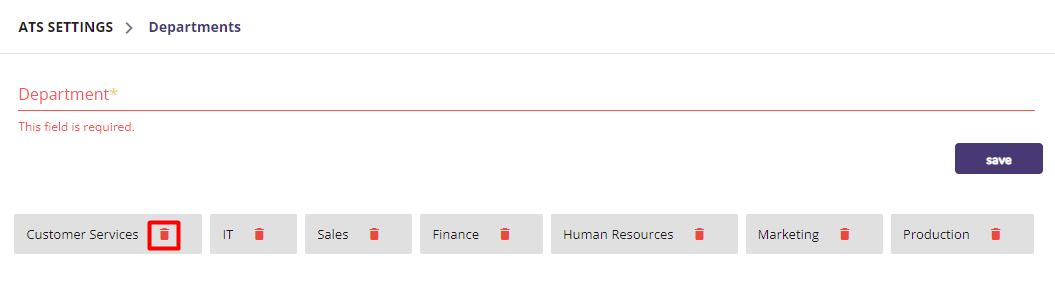
To delete a department, click on the rubbish bin icon next to the department name.