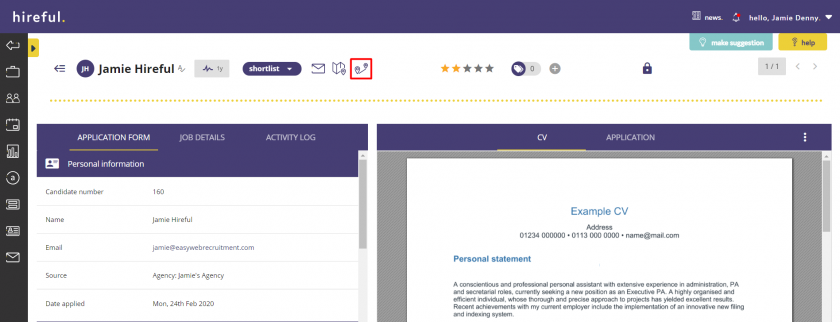
Viewing An Applicant's Location on Google Maps

Last updated: Jun 30, 2022
380
views

If within your application process you ask applicant's to provide postcode details for their address, you can now quickly and easily see their location on Google Maps.
Clicking on the map icon highlighted below will then open up Google Maps and show you the applicant's location.
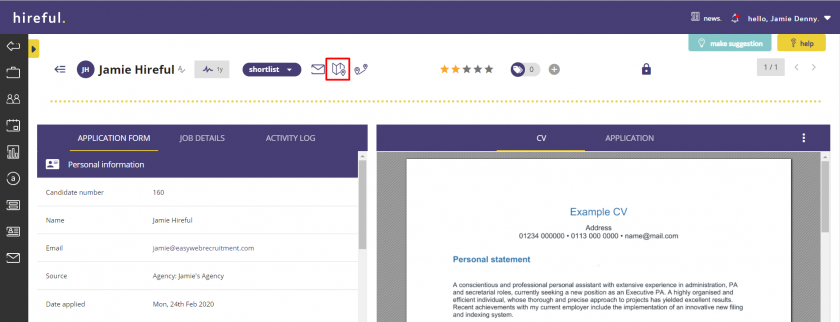
If your ATS has the location dropdown feature enabled within it, you can also see the applicant's commute from the postcode they have entered on their application form to the postcode of the location of the job.
Clicking on the two map pins icon will open up Google Maps and how you the commute.